
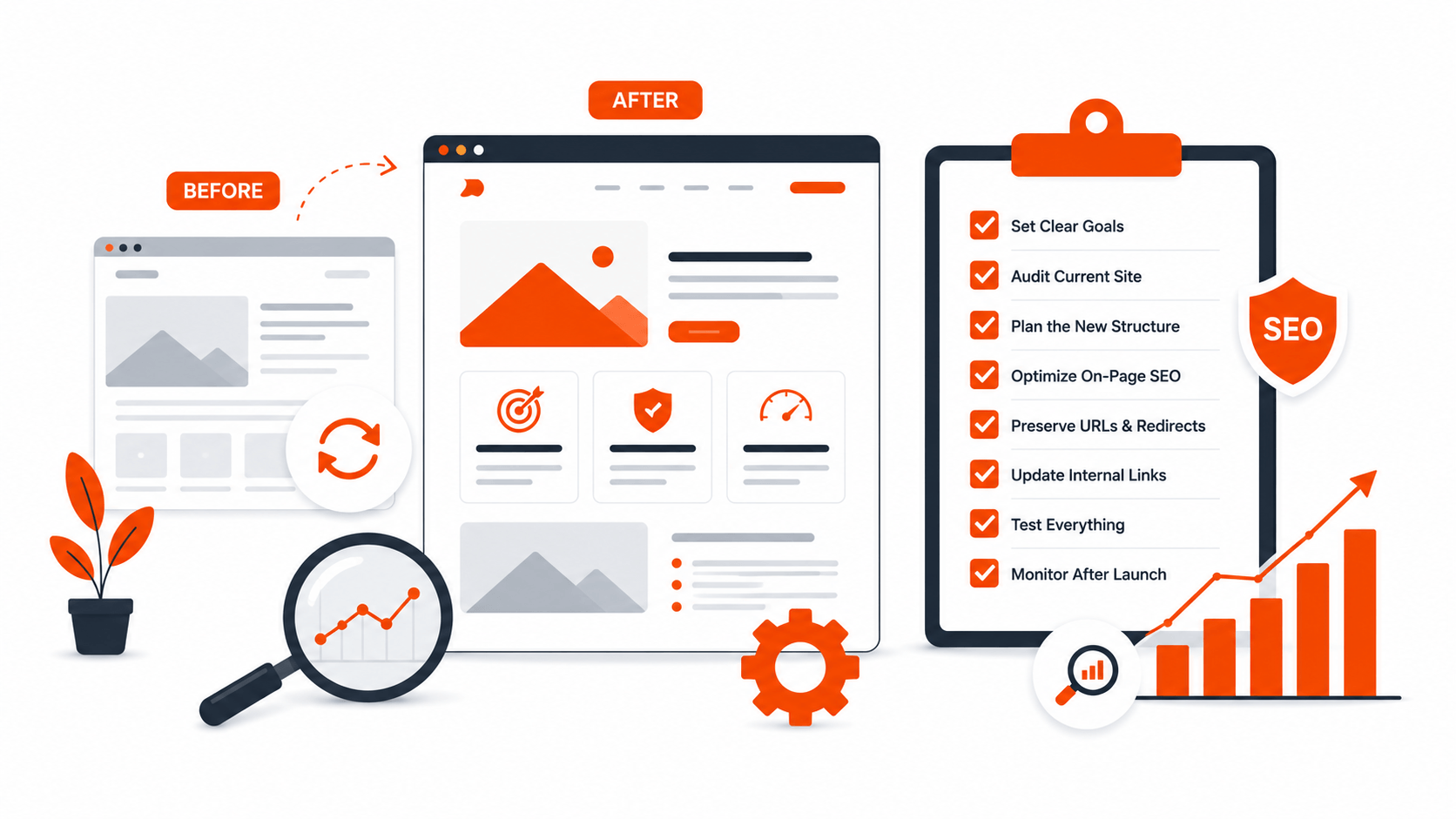
A website redesign is one of the most dangerous things you can do to your search traffic. Not because redesigns are inherently bad for SEO, but because the process is full of small mistakes that compound into significant ranking drops. URLs change without redirects. Content gets removed because someone decided it was outdated. Internal links vanish. Page speed gets worse instead of better.
We have seen businesses lose 40 to 60 percent of their organic traffic after a redesign. Not because the new site was worse, but because the migration was handled poorly. The good news is that almost all of these losses are preventable if you follow a proper process.
Here is when you should redesign, and how to do it without destroying what you have already built.
When You Actually Need a Redesign
Not every problem requires a redesign. Sometimes you just need better content, a faster host, or a few layout adjustments. But there are clear signs that a redesign is the right call.
Your site looks dated and it affects trust: Visitors judge your business within seconds. If your website looks like it was built in 2015, that perception bleeds into how people evaluate your products and services. This is especially true for service businesses where credibility is the product.
Your site cannot do what you need it to do: You have outgrown the current architecture. You need functionality that your current setup cannot support without ugly workarounds. You are fighting your own website every time you want to add a feature or change a workflow.
Your bounce rate is high and conversion is low: If people are finding your site through search but not taking action, the experience is failing them. A redesign focused on conversion rate optimization can turn existing traffic into actual business.
Your site is not mobile-friendly: In 2026, this is non-negotiable. If your site is not mobile-first, you are losing both users and rankings.
Your CMS is holding you back: You are on an outdated platform that is no longer supported, or your current CMS makes it so hard to update content that your site has become stale.
You are rebranding: If your business has evolved and your website no longer reflects your positioning, a redesign aligned with your current brand is necessary.
If none of these apply, you might be better off improving your existing site incrementally. A full redesign is a major project. Do not undertake it just because you are bored with the current design.
The Redesign Checklist
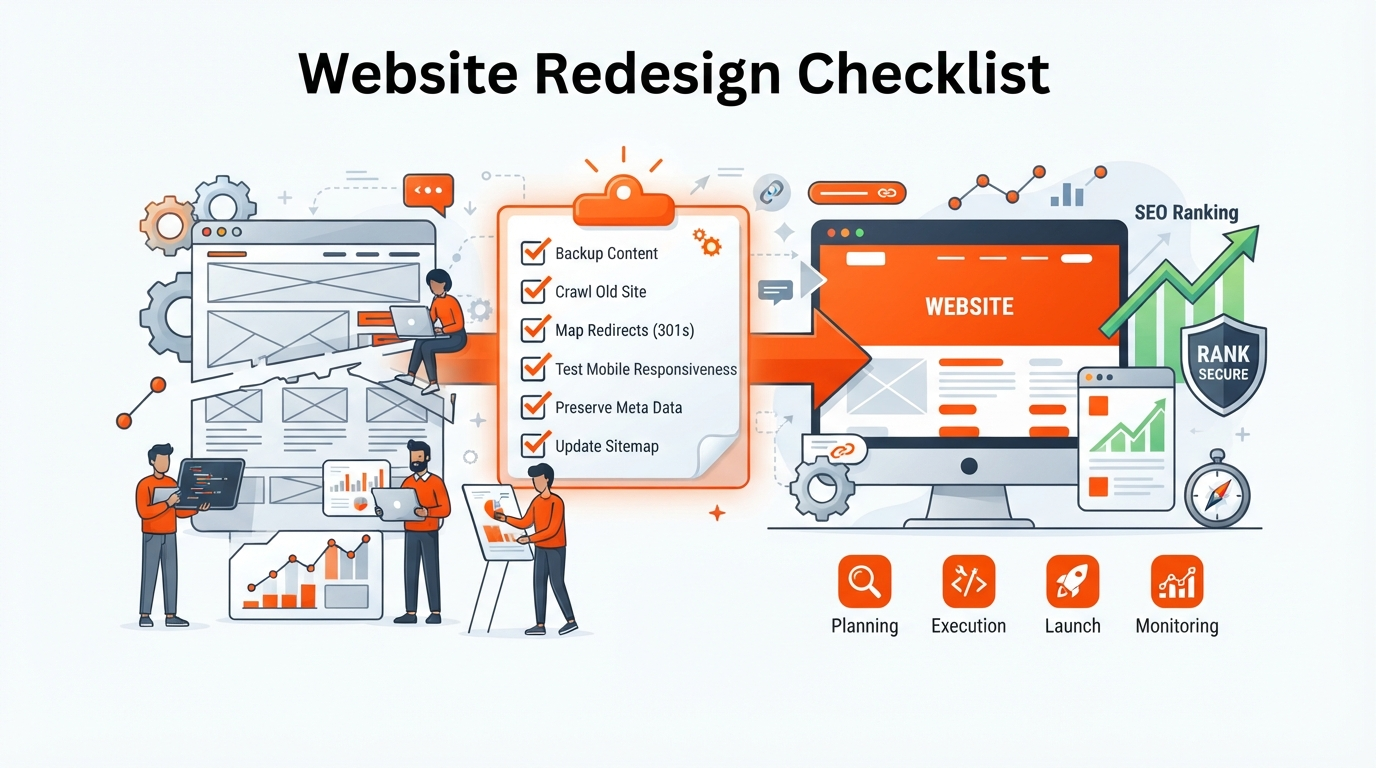
Phase 1: Before You Touch Anything
This is the most important phase and the one most people skip because they are eager to start building.
Crawl your existing site: Use a tool like Screaming Frog or Sitebulb to crawl your current site. Export every URL. This is your master list. You will need it later to ensure nothing gets lost during the migration.
Document your current rankings: Pull your current keyword rankings from Google Search Console or your SEO tool of choice. Record which pages rank for which terms. This is your baseline. Without it, you cannot measure the impact of the redesign.
Identify your top-performing pages: Not all pages are equal. Your top 10 pages by organic traffic probably account for the majority of your search visibility. Mark these pages as high priority. They need extra attention during the migration to ensure they retain their performance.
Audit your backlinks: Use Ahrefs or Moz to identify which pages have the most external backlinks. These pages carry authority that you cannot afford to lose. If a page with 50 backlinks gets removed or its URL changes without a redirect, that authority vanishes.
Back up everything: This sounds obvious but it gets forgotten. Back up your entire site, including the database, media files, and all content. If something goes wrong during the migration, you need to be able to restore the original site quickly.
Document your current schema markup: If you have structured data on your site, document what exists and where. Schema markup contributes to search visibility and it is easy to lose during a redesign if nobody is tracking it.
Phase 2: Planning the New Site
Map every old URL to its new URL: This is the single most critical step in the entire process. Create a spreadsheet with every existing URL and its corresponding new URL. If a page is being removed, note that. If content is being merged, note that. If a page is moving to a new URL, note that.
This mapping document is your redirect plan. Every URL that changes needs a 301 redirect pointing from the old URL to the new one. Not 302. Not a meta refresh. 301. That is the only redirect type that passes link authority to the new URL.
Preserve your content: Do not delete content just because it is old. Old content that ranks well is valuable. If you need to update it, update it. If you need to consolidate it, consolidate it. But do not remove it without a plan. Every page that currently brings you traffic should exist on the new site in some form.
Maintain your internal link structure: Internal links help search engines understand the relationship between your pages and distribute authority throughout your site. When you redesign, map your internal links and ensure they are recreated on the new site. Broken internal links are a silent killer of search performance.
Plan your page speed from the start: A common mistake is building a beautiful new site that is slower than the old one. Page speed is a ranking factor. Set performance budgets during the design phase. Specify maximum page weight, maximum load time, and maximum layout shift. Build within those constraints.
Google’s Core Web Vitals are the benchmark. Largest Contentful Paint under 2.5 seconds. First Input Delay under 100 milliseconds. Cumulative Layout Shift under 0.1. These are not aspirational targets. They are the minimum standard for a site that performs well in search.
Keep your site structure as flat as possible: Deep page hierarchies make it harder for search engines to crawl your site. Important pages should be reachable within three clicks from the homepage. If your new site buries key content five levels deep, search engines will struggle to find and rank it.
Phase 3: During the Build
Build on a staging environment: Never build on your live domain. Use a staging server with a subdomain or subdirectory that is blocked from search engines via robots.txt and password protection. You do not want Google indexing your half-finished site.
Implement redirects during the build, not after: Your redirect map should be implemented before the new site goes live. The moment the new site launches, every old URL should immediately redirect to its new counterpart. There should be zero time where old URLs return 404 errors.
Preserve or improve your meta tags: Title tags and meta descriptions are not decorative. They influence click-through rates and rankings. Every page on the new site should have a title tag and meta description that is at least as good as the one on the old site. Ideally, better.
Reimplement your schema markup: If you had structured data on the old site, make sure it is present on the new site. Validate it using Google’s Rich Results Test before launch.
Test every form and interaction: A redesigned site that looks perfect but has broken contact forms, broken checkout flows, or broken newsletter signups will lose you more customers than the old site ever did. Test every interactive element before launch.
Phase 4: Launch Day
Submit your new sitemap: Generate an XML sitemap for the new site and submit it through Google Search Console. This tells Google about your new pages and helps it discover them faster.
Verify your redirects: After launch, check every redirect in your mapping document. Use a bulk redirect checker or manually test a sample of URLs. A single missed redirect can cost you a ranking page.
Check for 404 errors: Use Google Search Console to monitor for 404 errors in the days after launch. Fix them immediately. Every 404 is a broken user experience and a lost SEO signal.
Monitor your robots.txt: Make sure your live robots.txt is not blocking search engines from crawling your new site. This is a surprisingly common mistake, especially when migrating from a staging environment where robots.txt was set to block everything.
Phase 5: Post-Launch Monitoring
The first 30 days after a redesign are critical. You need to watch your metrics closely and respond quickly to any issues.
Monitor rankings daily for the first two weeks: Use your SEO tool to track keyword rankings. Some fluctuation is normal. A sudden drop across many keywords indicates a problem, usually a missed redirect or a technical issue.
Monitor organic traffic: Compare your daily organic traffic to the same period before the redesign. A small dip is normal. A sustained decline is not.
Monitor crawl errors: Check Google Search Console daily for new crawl errors, indexing issues, or coverage problems. Fix them as they appear.
Monitor conversion rates: Search traffic is only valuable if it converts. If your traffic is stable but conversions have dropped, the user experience on the new site may be the problem.
Be patient but vigilant: Rankings can fluctuate for a few weeks after a redesign as Google re-evaluates your site. Minor fluctuations are normal. Major drops that persist beyond two to three weeks need investigation.
What If You Already Lost Rankings After a Redesign?
If you are reading this because you already redesigned your site and your rankings have dropped, here is what to do.
Check your redirects first. Missed redirects are the number one cause of post-redesign ranking drops. Find every old URL that is not redirecting and implement 301 redirects immediately.
Check your content. Did you remove pages that were ranking? If so, restore the content or create new pages that target the same keywords.
Check your technical SEO. Run a crawl on the new site. Look for broken links, missing meta tags, slow pages, and indexing issues.
Check your internal links. If your internal link structure changed significantly, rebuild it. Link to your most important pages from your homepage and other high-authority pages.
The sooner you address these issues, the faster you will recover. The longer you wait, the harder it becomes to regain lost ground.
Need Help?
A website redesign does not have to be a gamble with your search traffic. If you plan carefully, execute methodically, and monitor closely, you can launch a new site that looks better, performs better, and maintains or improves your search rankings.
If you are planning a redesign and want to make sure it is done right, we can help. We handle the full process from design through migration, with SEO preservation built into every step. Learn more about our web development services or our SEO and GEO services, or simply reach out and tell us about your project.
Your rankings took years to build. Do not lose them in an afternoon.